MovieMaestro
MovieMaestro (Lite)
About this resource
In this section, student will start their own compositions. Students should:
- Understand and identify the elements of music and stylistic features of a musical composition for film
- Select one of the films for their composition
- Use a DAW to create software instrument as well as audio samples to create a piece of music for selected film
This is a sample of an MovieMaestro resource and contains a shortened version of one of the four downloadable movie clips. You must log in or sign up to access the full version of this movie clip along with more clips.
TASK
Download the film clip below. Your task is to compose music to accompany the clip. Your composition should include all of the elements of music and stylistic features listed below.
Follow the project step-by-step and use the video guides provided. First, watch the film clip, download it and import it into your digital audio workstation (DAW).
Charge
In an energy-scarce dystopia, an old destitute man breaks into a battery factory but soon finds himself confronted by a deadly security droid and no way out.
Film Score Example
The film clip below is a finished example of the task that’s been set for you. It features each of the elements of music and stylistic features listed above as your own composition should also.
Available below is a version of the film with text cues highlighting each scene. Using the worksheet below, can you and your classmates identify which elements of music and stylistic features are used in each scene?
Music Analysis
Available in the full version is a downloadable worksheet for identifying some of the elements of music and stylistic features in the example above.
Download Film
Charge
In an energy-scarce dystopia, an old destitute man breaks into a battery factory but soon finds himself confronted by a deadly security droid and no way out.
Length 00:46 (lite version) 02:11 (full version)
Genre Animation, Action
Suggested themes Desperation, Strength, Humanity vs. Technology, Futuristic
Suggested references Star Wars: Revenge of the Sith | Fight Scene (John Williams)
There are 4 films of varying genres available in the full version of this resource.
Import Your Film Into Your DAW
If you’re using either Ableton, Cubase, GarageBand/Logic or Pro Tools, the following tutorial options (available with the full version of this resource) show you how to import your film clip into your DAW.
TUTORIAL: Importing Films into a DAW
Choose your DAW below and head to the tutorial that shows how to import video into a project.

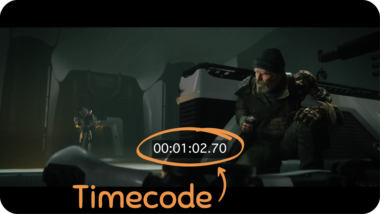
If you’re using BandLab or another DAW not listed, you may want to consider using alternative film clips with a running timecode overlay. At the time of writing this, BandLab is not capable of hosting video, so our suggested alternative is to match the timings in your composition with the timecode on the video.
For example, if there’s a significant action within the film at 00:01:02:70 – you may want to reflect this in your composition at the exact same point in time within your DAW.
To download the film clip with a timecode, click below:
Begin Writing Your Composition
Once the chosen film has been imported into your DAW, make a start on writing your composition. In order to compose your piece of music, you’ll have to use some of the key elements and production methods listed below.
Key Elements & Stylistic Features
Listed below is a reminder of some of the elements and stylistic features you’ll find in almost all music compositions for film. These should all be included in your own composition.

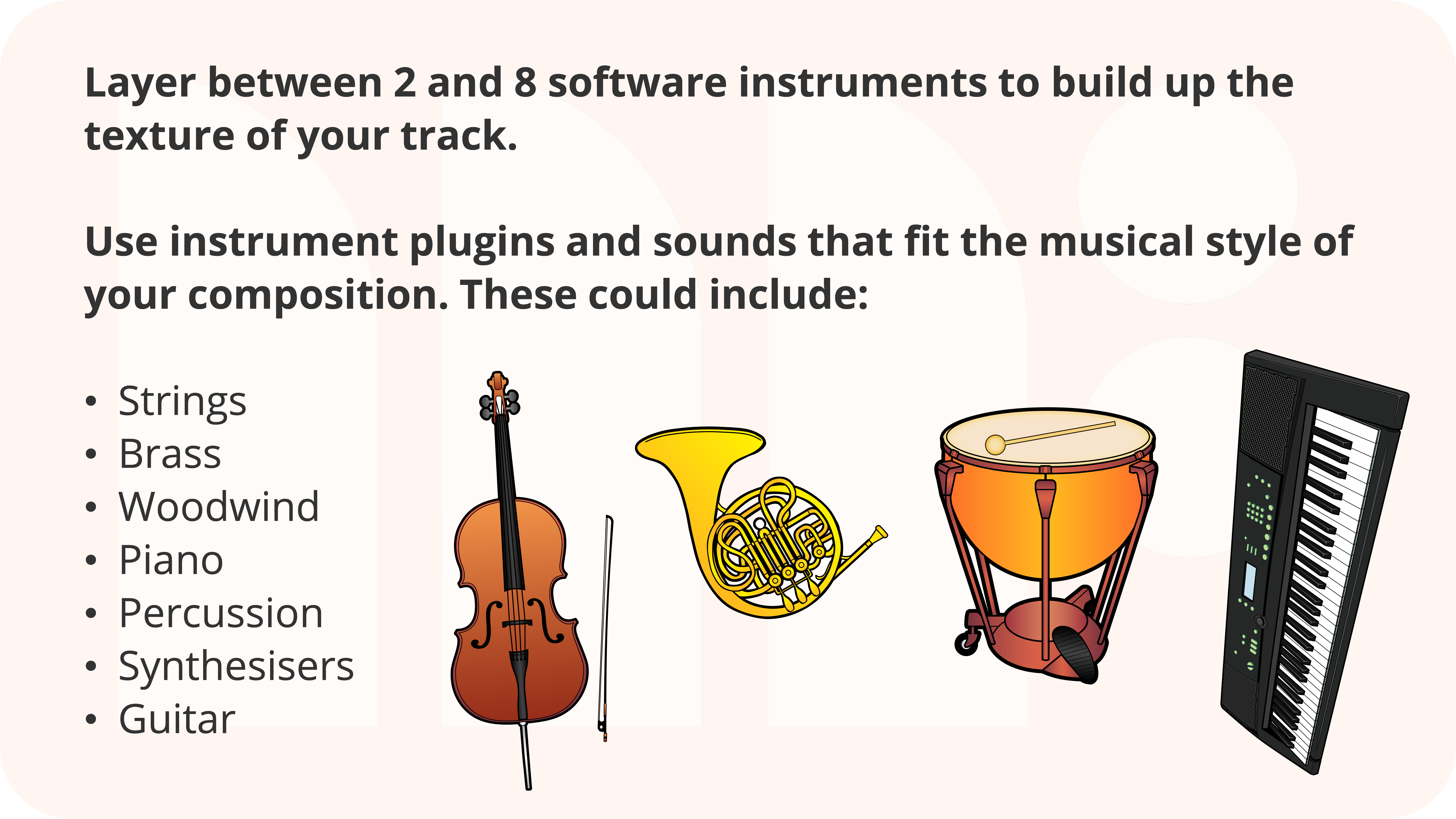
Software Instruments
Audio Samples
You could use a selection of audio samples if you are not sure where to start or if you’re looking to build on what you already have.
Included in the full version of this resource is a sample pack containing audio samples for:
Brass, FX, Percussion, Piano, Strings, Synths and Woodwind, including LOOPS (must be played at the specified tempo) and ONESHOTS (have no obvious tempo and can be placed anywhere).
If you opt to use a sample in a specific key or tempo, then it’s important that your DAW session matches it.
Exporting Your Composition
Once you’re happy with your piece of music and you’ve included the elements of music and stylistic features, it’s time to export it. Exporting will convert your music and film clip into one single video file. You can then view this outside of your DAW and share it with others.
The following tutorial options (available with the full version of this resource) show you how to export your composition.
Using Ableton Live, Cubase, GarageBand or Pro Tools
Choose your DAW below and head to the tutorial that shows how to export video.
Browse more resources
Explore our extensive range of curriculum resources to deliver practical, authentic and relevant music lessons that effectively engage all pupils in learning music